
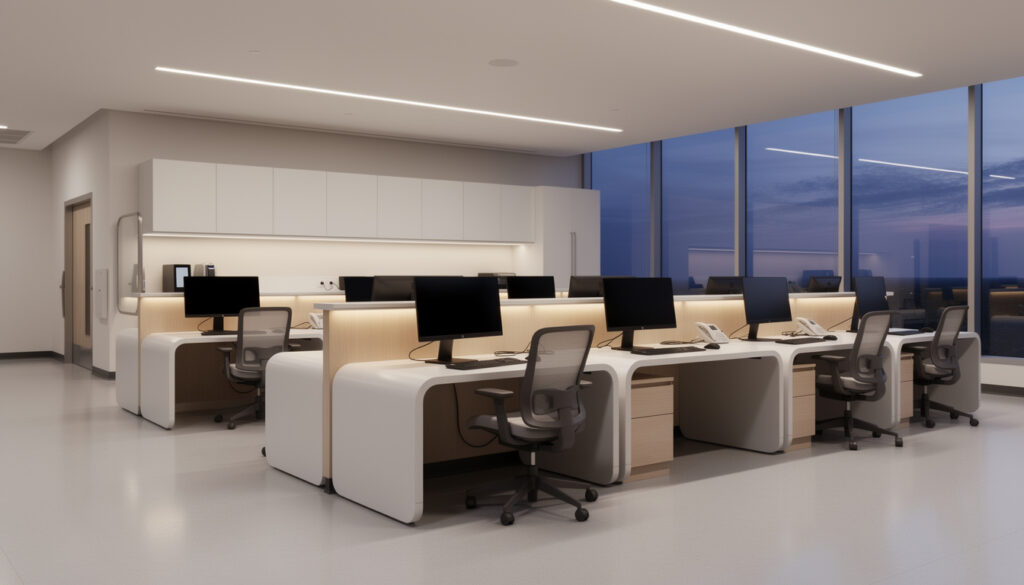
Optimizing Healthcare PC Power Management in Hospitals and Clinics means cutting energy waste across medical facilities without interrupting patient care workflows or access to clinical software. Hospitals have to hold strict uptime standards while sustainability targets keep tightening, and both goals share the same fleet of computers. What follows is a rough roadmap for healthcare IT teams building smarter energy policies.
One Rule for the Whole Hospital? Why Zone-Based Policies Win
A single power rule breaks fast. A billing office PC sits idle for fourteen hours a day, while an emergency department terminal cannot afford even a few seconds of wake delay. Effective healthcare PC power management therefore works by zone, with each Endpoint power policy matched to how urgent the environment is.
Sleep states (S0/S3/S4) decide the trade-off. S3 resumes in seconds, S4 hibernation saves the most power but wakes slowest, and devices with Modern Standby stay in a low-power S0 that wakes instantly yet still draws some current. Display sleep can start within a minute or two, since screens are a major draw, and sessions stay alive underneath. A Hibernate policy fits only predictable-hours areas. Idle timeout should follow how clinicians move between patient rooms and charting stations.
| Zone | Display sleep | Deeper sleep | Reasoning |
|---|---|---|---|
| Billing and back office | 5 minutes | Hibernate after hours | Predictable business hours |
| Outpatient consultation | 3-5 minutes | S3 after 15 minutes | Fast resume, low urgency |
| Nursing stations | 1-2 minutes | Screen-only or long timeout | Constant handoffs |
| ER, triage, OR, ICU | 1-2 minutes | Exempt from sleep | Any wake delay during a crisis is clinical risk |
Scenario: A 2 a.m. Patch Run Meets a Sleeping Fleet
Energy savings and overnight IT work pull in opposite directions. Security scans and operating system patching need machines awake, and sleeping PCs cannot receive them. Wake-on-LAN (WoL) solves this by sending a "magic packet" to the network card. Across a hospital with many subnets, that packet usually needs a directed broadcast or a relay on each segment. Microsoft's Wake-on-LAN guidance covers the network card requirements and which power states support remote wakeups.
A Scheduled wake placed inside an off-peak Maintenance window keeps daytime interruptions to a minimum. Patch management coordination closes the loop: machines install updates, report success, and drop back to low power instead of idling awake until morning. Failed wakes get logged and retried automatically so no clinical endpoint quietly falls out of compliance.
The bigger idea is Uptime vs availability. A workstation asleep at a few watts that resumes in seconds is just as available as one burning full power all night.
Common Mistakes in Power Plan Enforcement and Hardware Setup
Settings that staff can change themselves rarely stay changed. Power plan enforcement through central management tools locks the profile in place. Group policy power settings handle domain-joined PCs, while mobile device management templates cover the rest. Microsoft's ADMX power policy reference lists the available controls.
Firmware is the most frequent blind spot. If BIOS/UEFI power configuration leaves wake timers or deep sleep disabled, operating system policy accomplishes nothing. Device driver power management is the next culprit, because a buggy network card driver can block sleep or break wake.
Protecting Medical Peripherals and Smart Card Readers
Peripheral power (USB selective suspend) is where clinical workflows get hurt. Badge tap readers, vitals monitors, and label printers can lose power mid-shift when the USB bus suspends aggressively. The fix is a device-level exemption for those accessories, so the workstation rests while its critical input devices stay responsive.
Shared Nursing Stations Versus Never-Sleep Devices
Workstation energy optimization looks different when ten people share one computer. Fast user switching, badge-tap authentication, and roaming profiles all have to survive low-power transitions. Screen blanking paired with quick single-sign-on tap-in works well at nursing stations, since charts stay open between rounds without lighting a full display. Shift changes make instant session resumption non-negotiable.
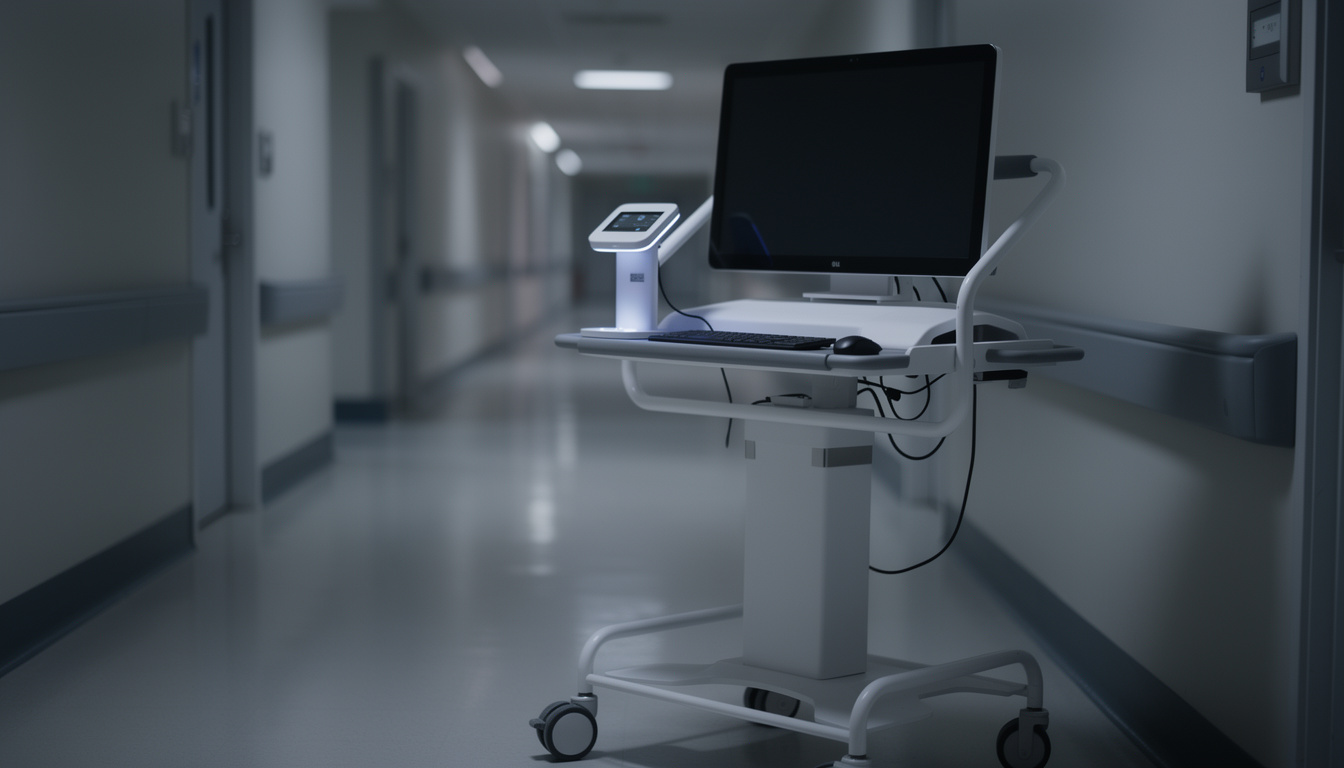
Some devices do need to stay awake: medical carts, wayfinding kiosks, and diagnostic imaging stations. An exception framework handles them with tags in the directory service, such as "Standard," "Screen-only," and "Never sleep, approved." Department leads submit requests, IT reviews them, and regular audits catch temporary research machines or decommissioned carts that would otherwise skip the rules forever.
Metrics That Prove the Program Works
Leadership wants proof, and numbers supply it. Energy consumption reporting shows kilowatt-hour drops by facility, and Carbon footprint reporting converts those figures using regional grid factors to meet sustainability mandates. Analyzing After-hours utilization exposes machines that run idle every night and weekend without anyone noticing.
The ENERGY STAR specification for computers gives a recognized benchmark for power modes and consumption. Helpdesk ticket volumes and patch success rates deserve tracking alongside it, because savings that generate complaints do not last.
The financial side extends beyond the power bill. Less idle heat and fewer power cycles stretch the life of PC fleets and lighten the cooling load on clinic HVAC systems. Money saved goes back into medical equipment and clinical staffing.
For more details, visit the following link: powerplug.ai.
Troubleshooting Won't-Wake and Ghost-Wake Glitches
Most rollout problems fall into two camps: machines that will not wake and machines that wake on their own. Conflicting network broadcasts and outdated adapter firmware are the usual causes. Wake-timer logs in Event Viewer point to rogue background applications or noisy packets, and updated network card drivers with tighter broadcast settings stop phantom boots during quiet night shifts.
Maintaining Seamless Security and Encryption States
Privacy rules still apply while a PC sleeps. Sessions should lock the instant a device enters sleep, and hibernation files belong on an encrypted disk. Full disk encryption and screen lock timeouts interact with wake sequences, so they need testing together rather than separately.
Phased pilots on a small, non-critical clinical pod catch these issues early. A written rollback plan restores default power states quickly if a workflow hits a wall.
Can hospital computers sleep without risking patient care?
Yes, in the right zones. Administrative areas tolerate deep sleep, while emergency and surgical areas use screen-only sleep or full exemptions.
Does Wake-on-LAN work across different network segments?
It can, but it usually needs directed broadcasts or a relay on each subnet, plus a network card configured to support wake from the target power state.
What happens to open clinical sessions when a PC sleeps?
Sessions persist through display sleep and S3. A lock applies at sleep entry, and single-sign-on tap-in restores access quickly.
Why do some PCs wake up by themselves at night?
Network broadcasts, rogue scheduled tasks, and outdated adapter firmware are the usual triggers. Wake-timer logs reveal which one is responsible.
About the Business
PowerPlug provides PC power management software solutions for medium to large organizations and enterprises. Its automated tools help healthcare facilities, universities, and commercial businesses reduce electricity use, lower carbon emissions, and simplify endpoint maintenance, cutting energy costs while keeping IT operations running efficiently.